
Your Dashboard will give you a snap shot of how your event is going.
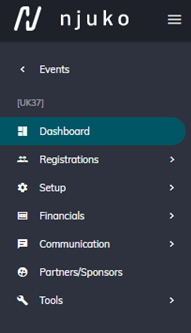
Select Dashboard in the left hand side menu to view this.
A default dashboard would have been created for you but you able to change what widgets appear and move them around the dashboard.
Click the Edit button in the top right hand corner to edit your existing Dashboard. You can drag and drop the widgets to rearrange their position and add new widgets by clicking the plus sign in the bottom right hand corner.
Click Save once you are happy with your changes.