Once you're logged into your Njuko account, click Applications in the top menu bar shown below:
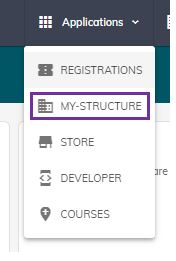
From the drop-down menu select My Structure.
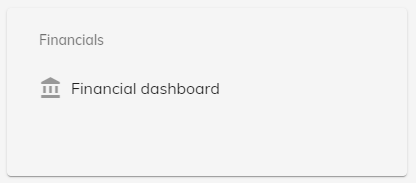
Under Financials select Financial dashboard:
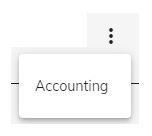
Click the line of three dots to the right hand side and select Accounting.
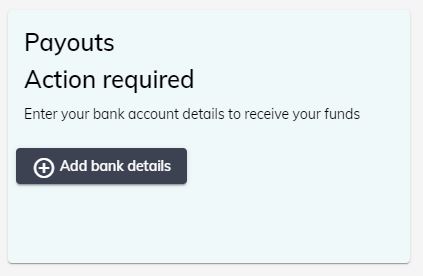
From here, you can Add bank details. Adding new bank account details will override any bank account details previously provided.